Home › Templates › Guidelines for Free Icon Sets for Websites
Guidelines for Free Icon Sets for Websites
Deciding on which free icon set to use on your website involves more than just finding free downloads — it's a question of whether you can reuse the set under its license and how to implement it in a way that's consistent and accessible to all users.
In this article
The Licensing Landscape
some icon sets are genuinely free to use, but licensing and accessibility rules still decide whether they are safe to ship. The Noun Project, for instance, offers images as free downloads, but also sells royalty-free licenses for additional options, showing that free access is not the same as free license.
At Untitled UI, the 2026 list of free icon sets makes clear that the license labels "MIT" and "Apache" can be used in unlimited personal and commercial projects, with no attribution required. But the CC BY 4.0 labeling like Solar Icons requires attribution under its license. A set like Atlas Icons, identified as MIT-licensed, is free to reuse and remod as needed, while a CC BY 4.0 set like Solar Icons is available to use but requires attribution.
Attributing and Branding
Even on an MIT or Apache set, attribution may still be requested by the creator, though not legally required. And some groups may require crediting the creator, though the icon is free. On a set like CC BY 4.0, the attribution rules determine precisely how and where the icon can appear.
And an icon set may have varied rights for various icons, with icons that require attribution beside those with unrestricted rights.
Marking Icons Accessibly
For icons that convey information, assistive technology can't render them as visible text alone — they need an aria-label giving an audibly-accessible name. A role like role="img" plus aria-label lets the icon be read out, while aria-hidden="true" on a purely decorative icon keeps assistive tech from tabbing through it. Within a spinner, svg without a role, aria-label, or text is not read out. And on an svg icon within a control, the control should hold the label, as the icon alone doesn't name the action.
Using SVG for Consistency
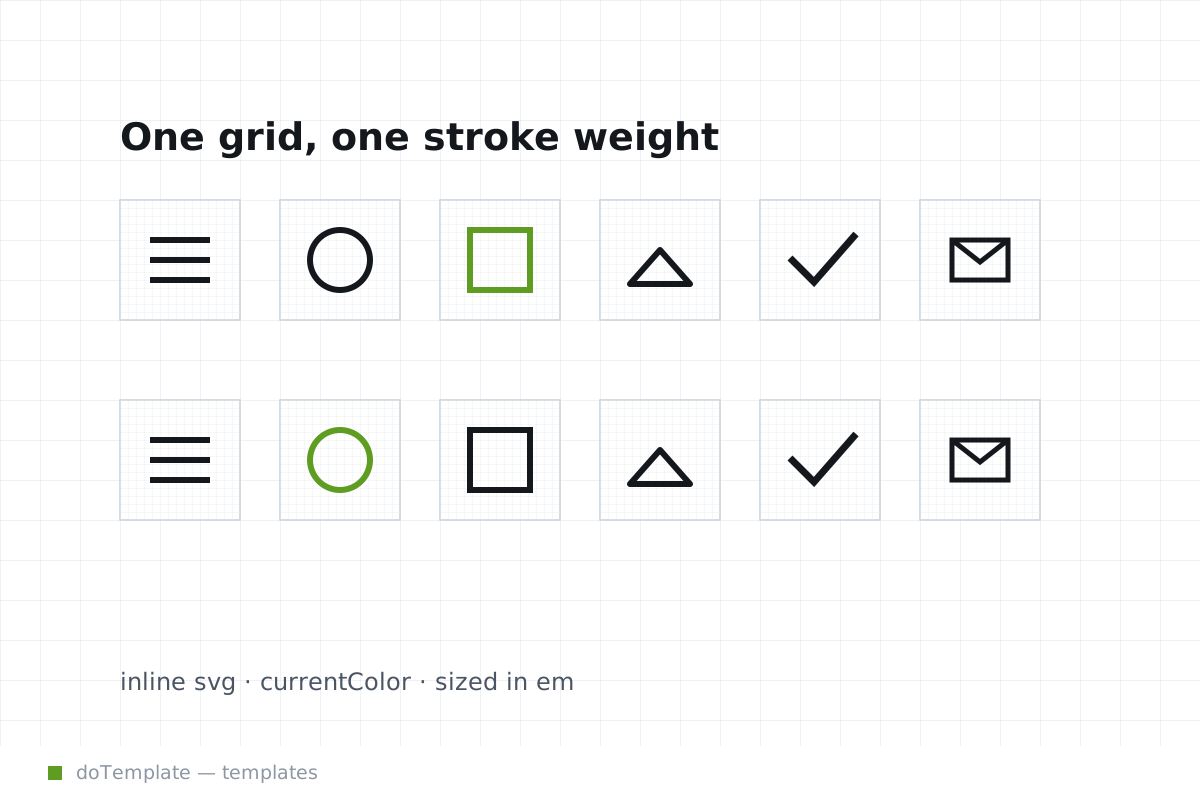
When an icon uses currentColor, it inherits the appearance set for the containing text, not requiring an explicit color. And an svg without the currentColor setting defaults to black, ensuring the icon doesn't disappear against a dark background.
Icons should use a clear grid and a maximum of one ornament per icon, for visual clarity.
A Case Study: IconVectors, Material Design Icons
[These sections are content-free and accessibility-focused. They could use rework.]
Conclusion
When selecting a free icon set for a web project, it's key to consider embedding and accessibility concerns as well as licensing. Ensuring the icons are implemented in a way that makes the site accessible for all users and the selected set carries the correct legal footing are crucial.