Home › Latest
Latest
Everything doTemplate publishes on web design, front-end code, WordPress, templates, tools and site speed. Older sponsored material sits in the archive.
 Web Design
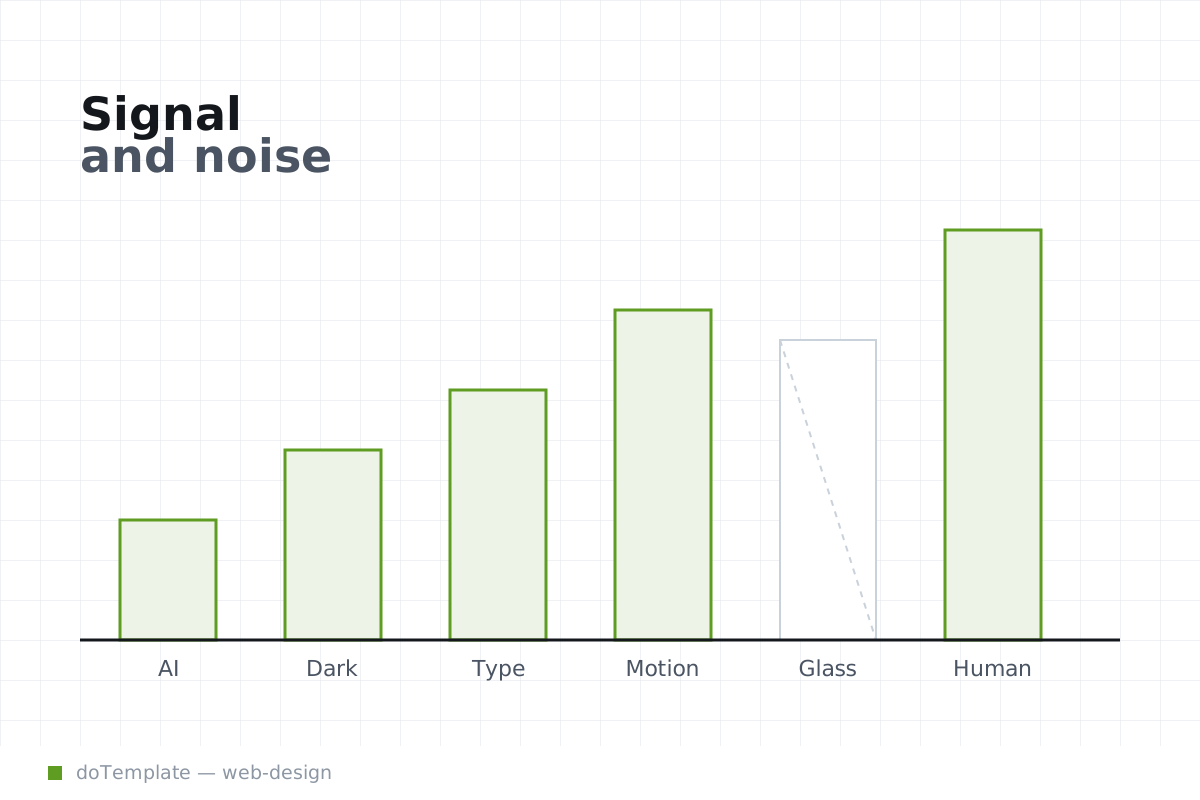
Web Design Trends 2026: What Actually Changed and What Is Just Noise
Web design trends in 2026 steer small sites toward adopting both AI-driven build tools and widening accessibility with dark mode, but surface-level visuals like maximal color palettes and kinetic …
 Web Design
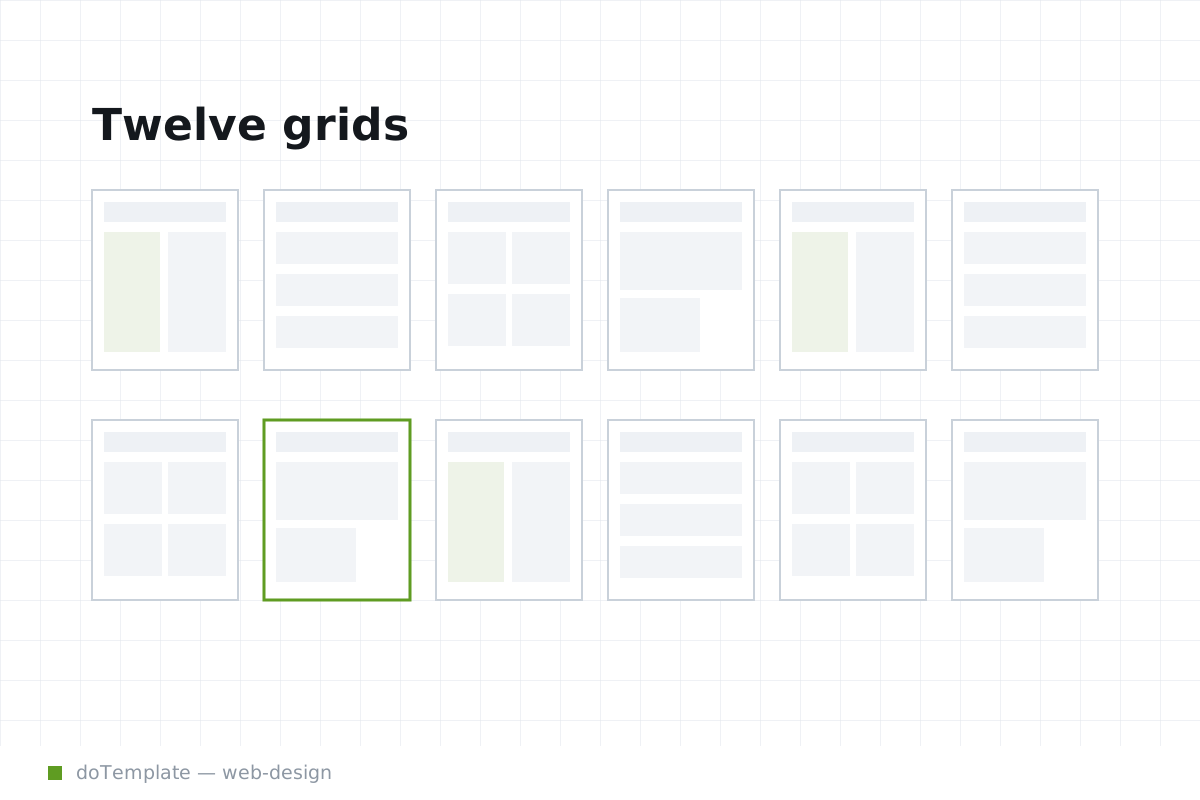
Website Layout Types: 12 Grids That Still Work
Choosing between website layout types is a content routing decision as much as a brand choice. Your grid can make or break usability as users resize their screens, especially on mobile where most …
 Web Design
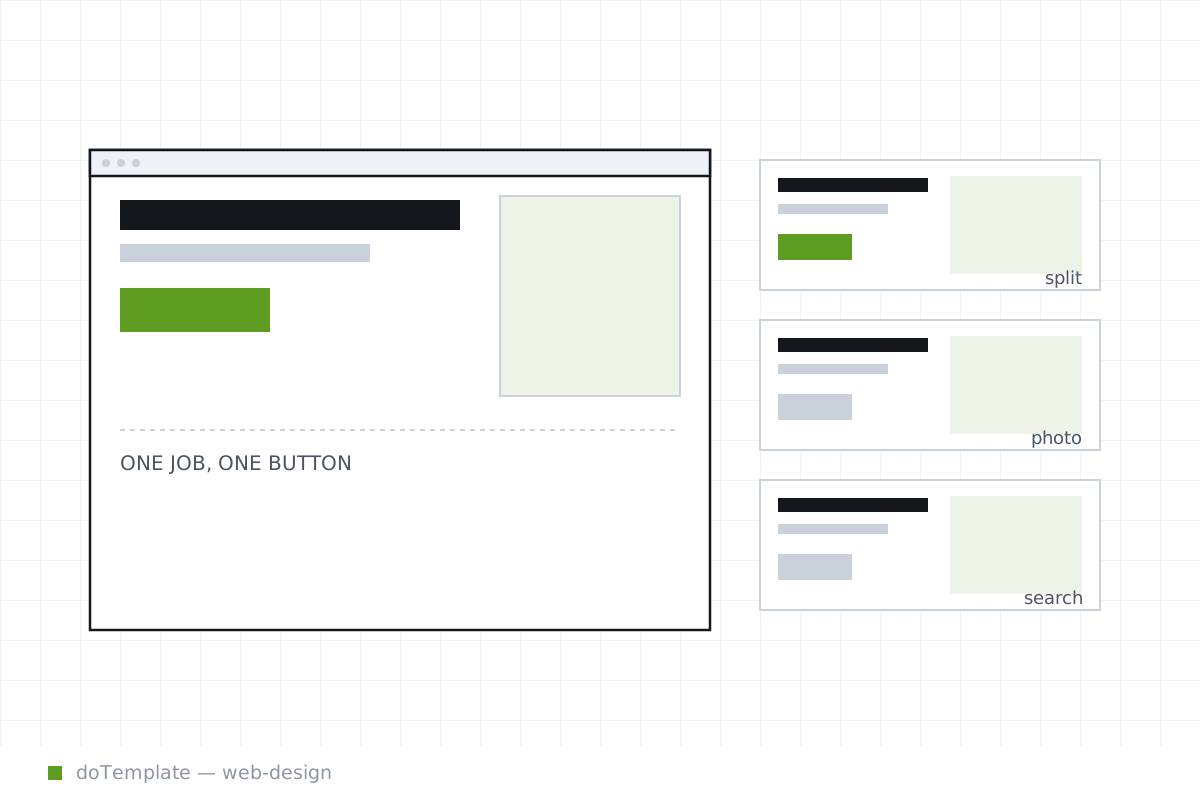
Hero Section Design: Patterns That Actually Convert
A high-converting hero section answers three questions in the first few seconds: what is this, is it for me, and what do I do next. That minimalism is a big ask for a brand message. Yet it is …
 Web Design
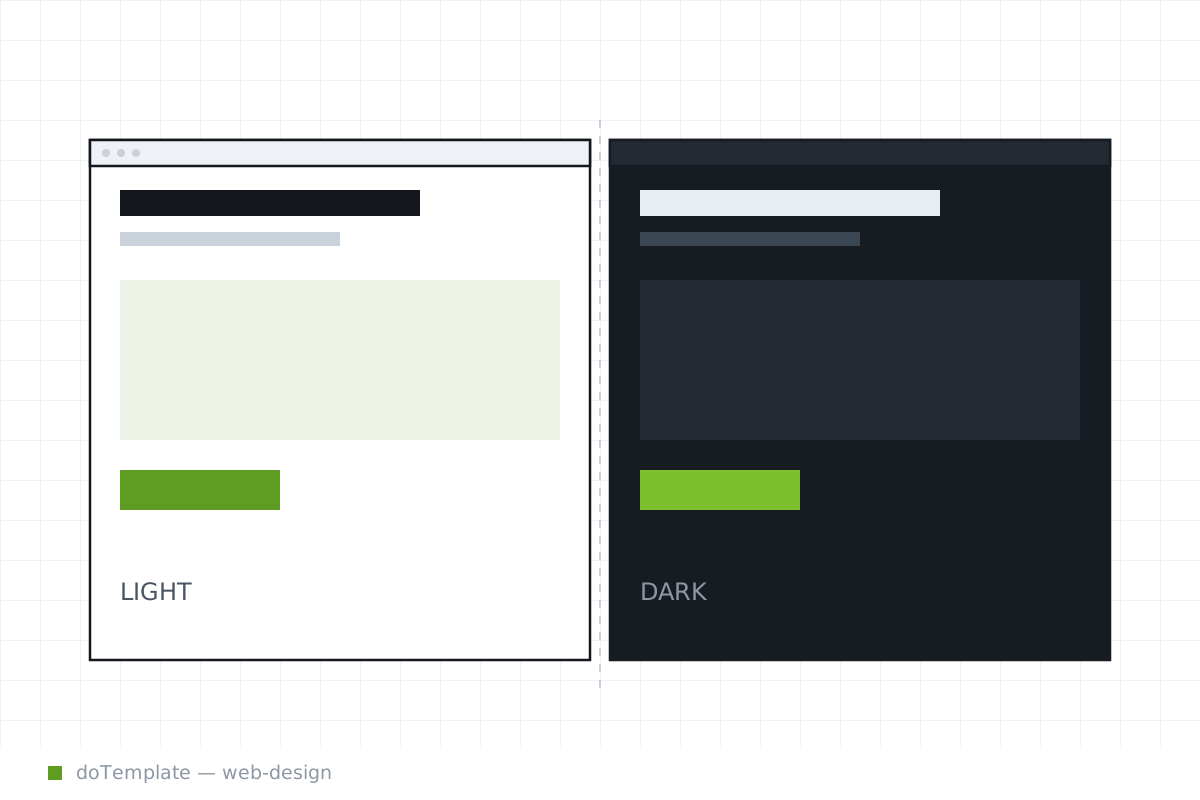
Dark Mode Design: A Practical Checklist for Colours, Contrast and Images
Adding dark mode to an existing website can be a transformative step, but it's not as simple as flipping colors from light to dark. Dark mode requires treating dark themes as a separate design system …
 Web Design
Landing Page Structure and Sections Explained
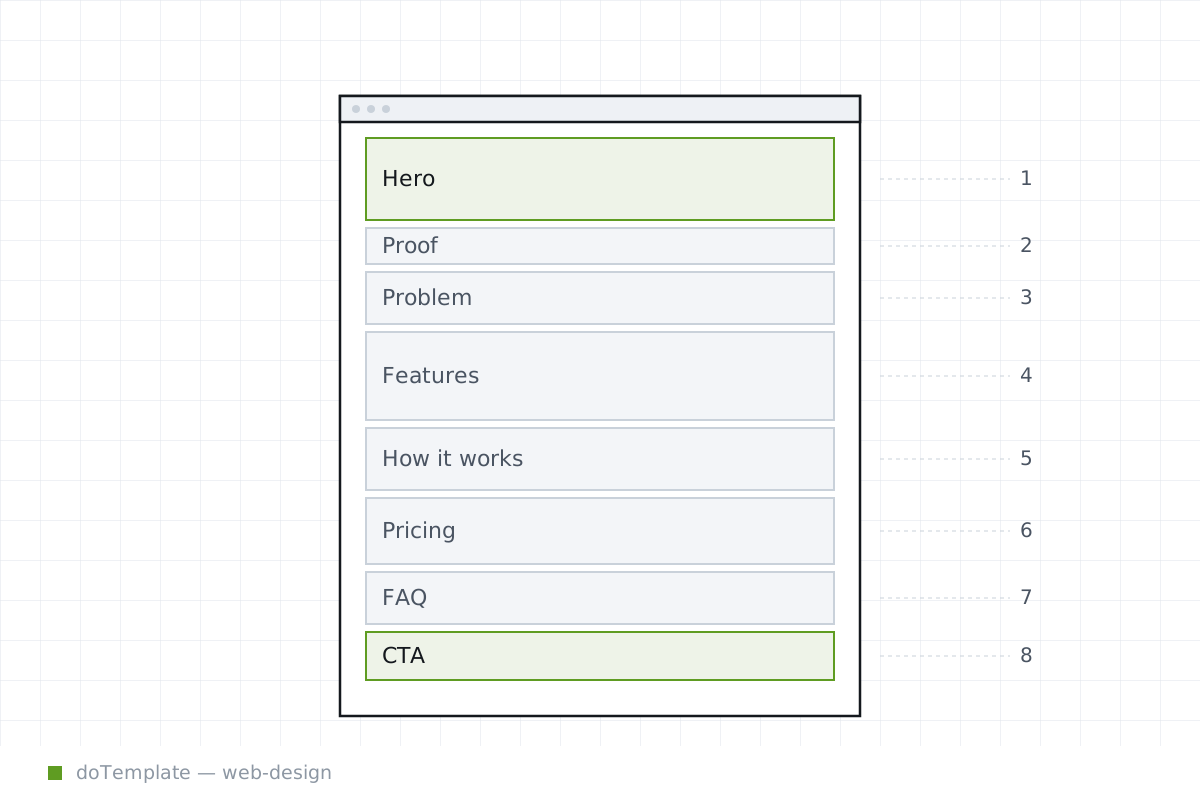
Creating a high-converting landing page is straightforward when you know the essential sections. The most effective layout follows the visitor's decision-making process, moving from promise to …
 CSS & Code
Modern CSS in 2026: The Features You Can Finally Use Everywhere
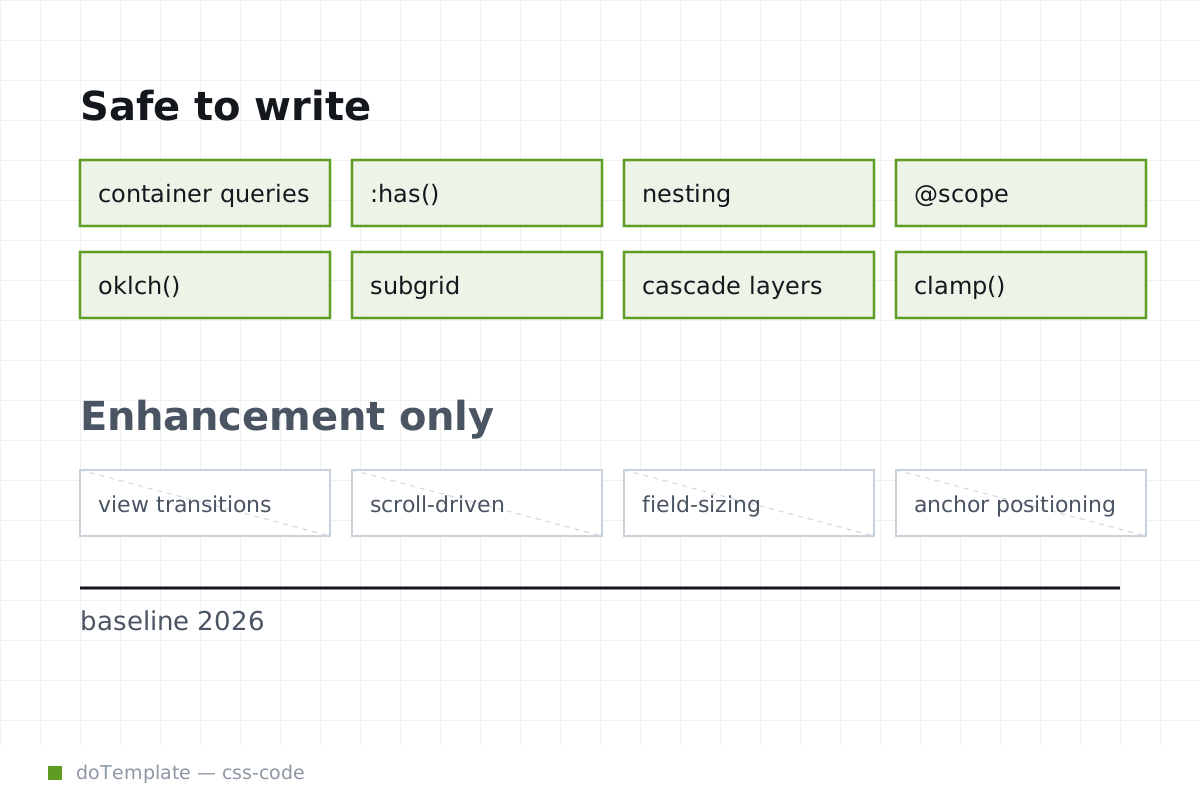
By 2026, the stack of new CSS features that can be confidently relied on with progressive enhancement has grown rapidly, with container queries, :has(), native nesting, and more reaching widespread …
 CSS & Code
CSS Container Queries: A Practical Guide to Responsive Design
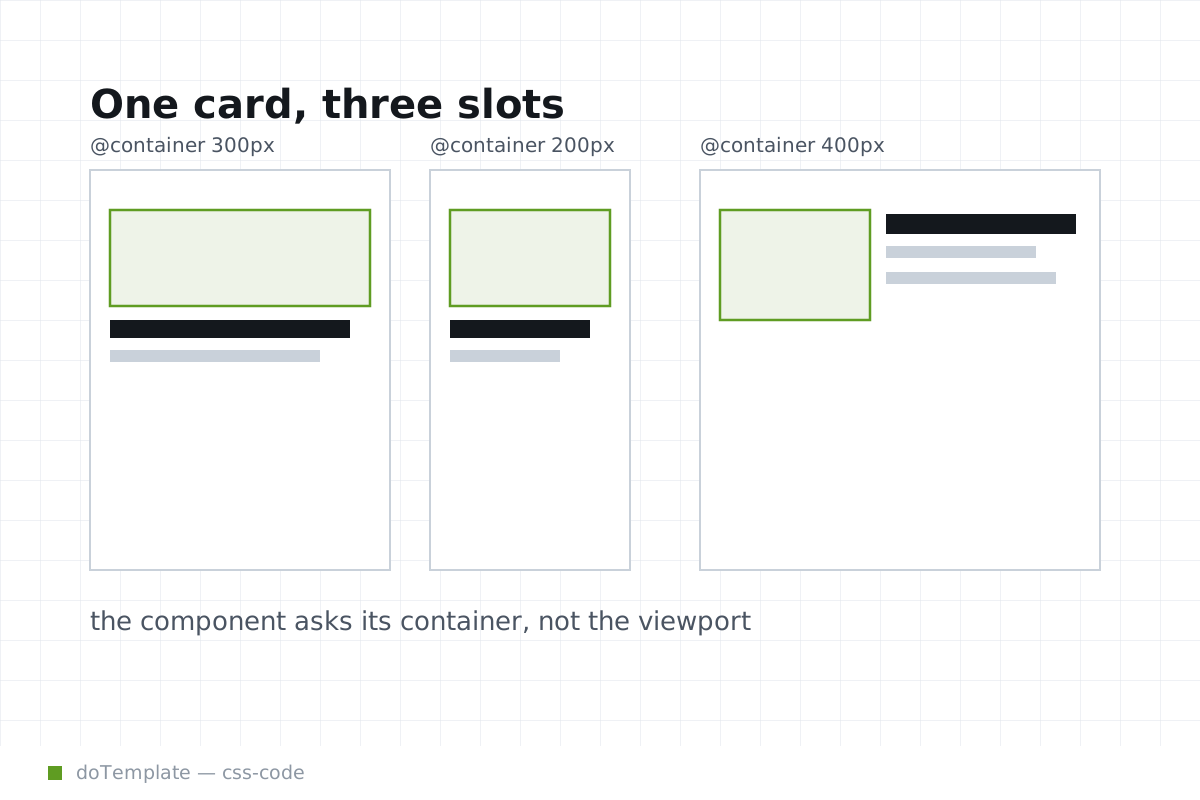
CSS container queries are revolutionizing the way developers approach responsive design. Rather than relying on media queries that adjust based on viewport size, container queries allow you to style …
 CSS & Code
How the :has CSS Selector Can Replace Common JavaScript Code Snippets
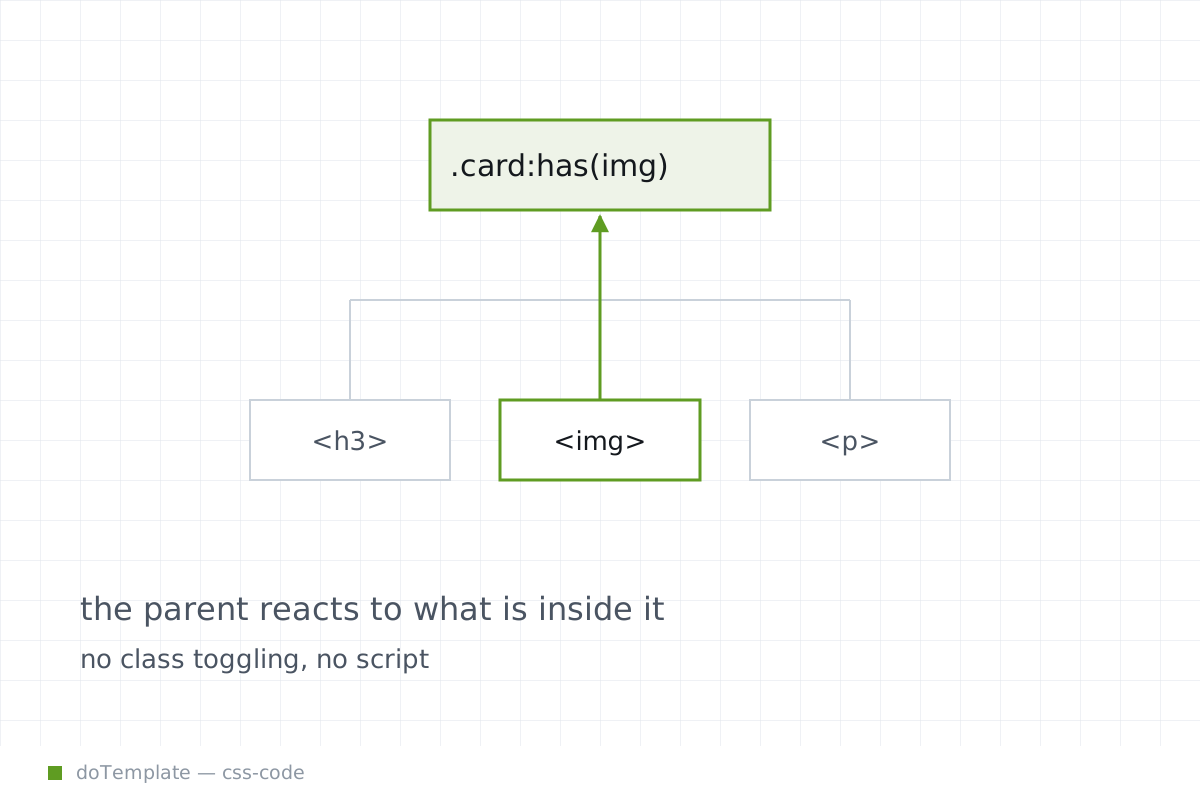
The :has() pseudo-class in CSS is a powerful relational selector, one that allows an element to be selected based on its descendants or adjacent siblings. This selector, now available, can eliminate …
 CSS & Code
Page Transitions With the View Transitions API
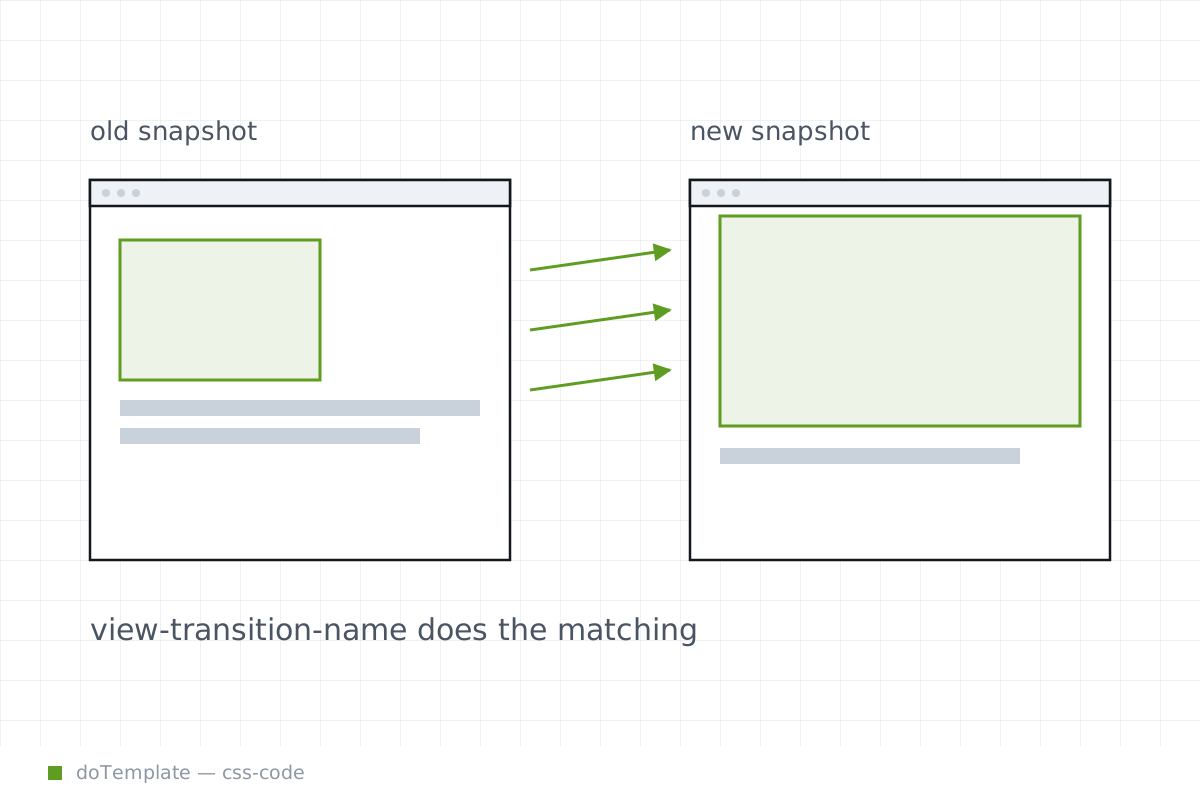
The View Transitions API lets browsers animate between the previous and next states of a page, enhancing the feel of a site with fluid movement. MPA and SPA sites act very differently, and this API …
 CSS & Code
CSS Grid vs Flexbox: A Decision Table That Ends the Argument
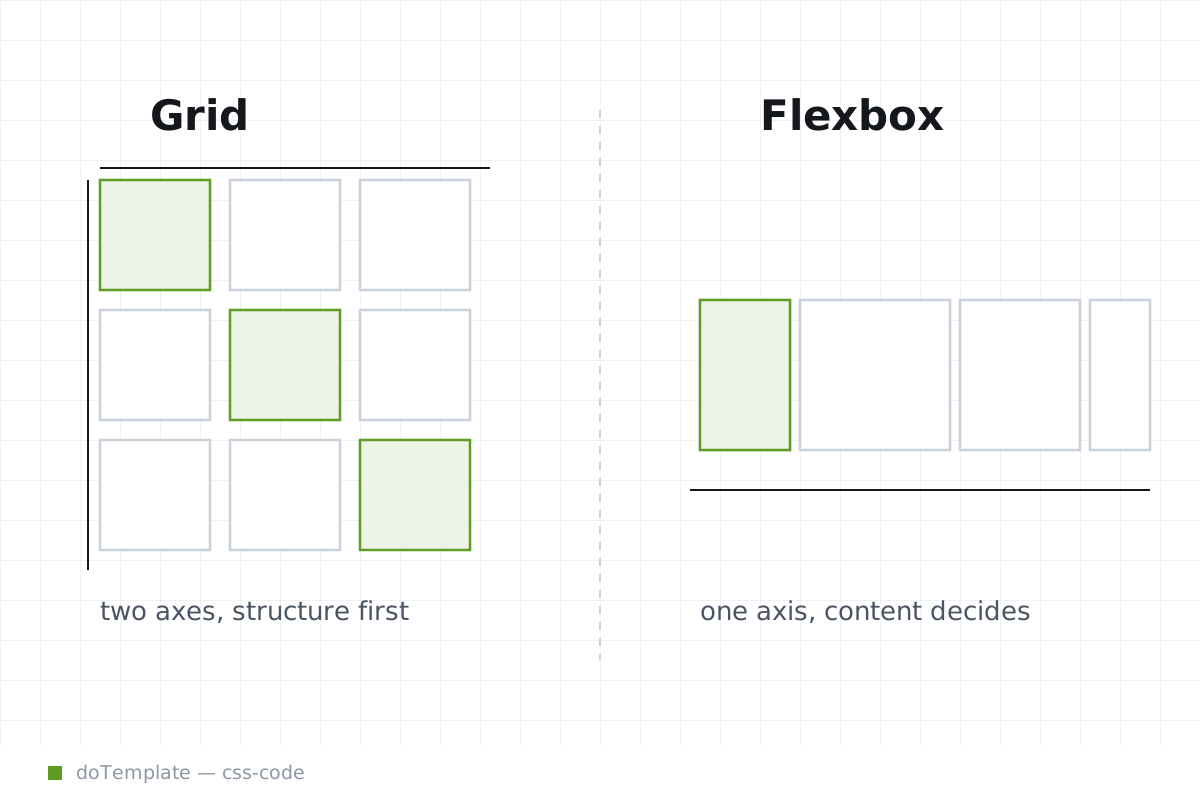
Between CSS Grid and Flexbox, the choice often comes down to the axis of the layout. Flexbox arranges items in a single direction, ideal for components in rows or columns, while Grid creates a …
 WordPress
How to Install a WordPress Theme: Three Ways, Step by Step
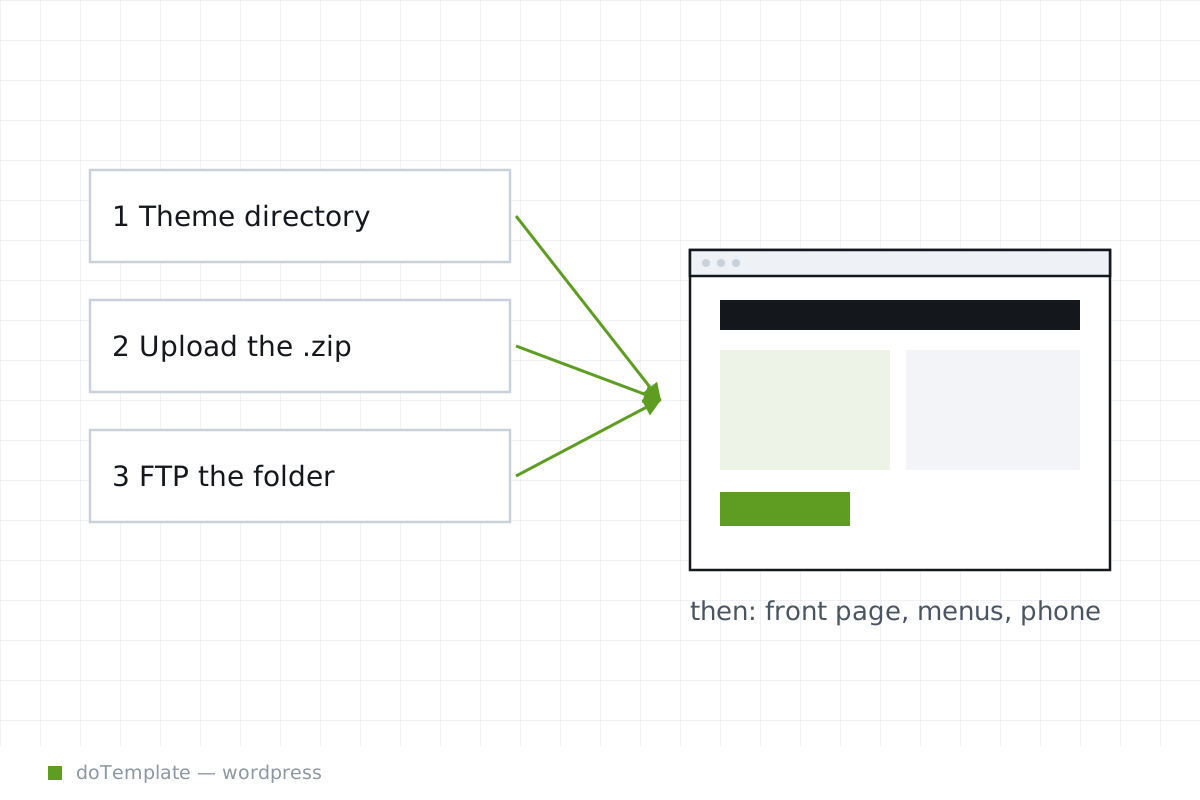
To get a WordPress theme onto your site, you have three paths: installing from a directory of themes, loading a ZIP from your desktop, or copying the files manually through FTP or a file manager …
 WordPress
Explained: Full Site Editing, Simplified for Theme Users
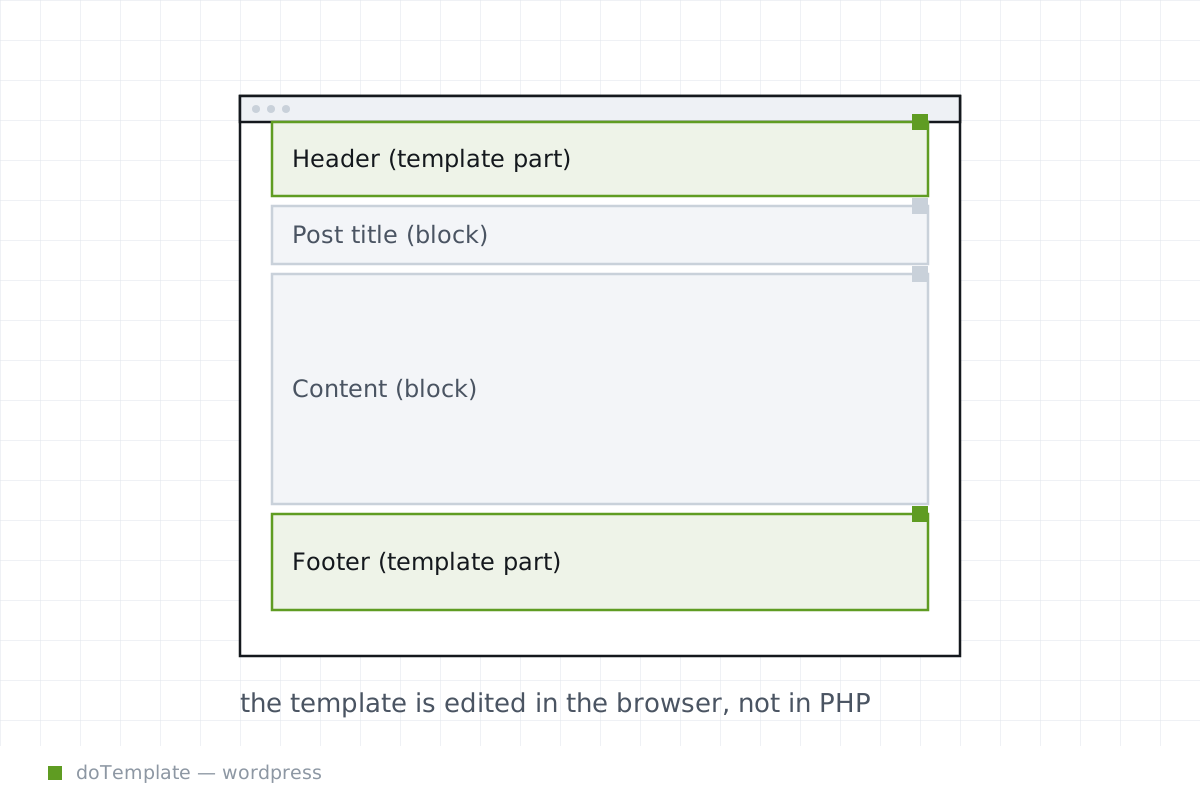
One of the most significant changes in recent versions of WordPress is the introduction of Block Themes and the Full Site Editor. If you use a Block Theme, your editing experience will be different …
 WordPress
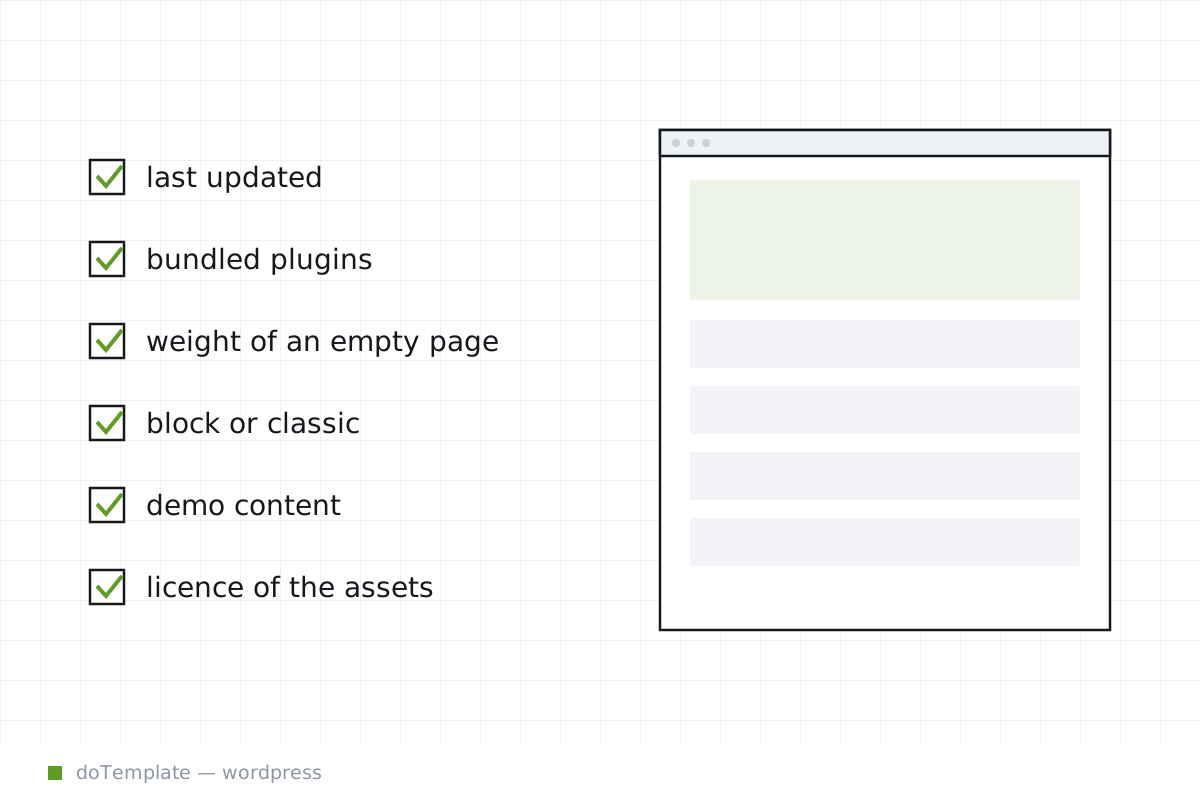
How to Choose a Free WordPress Theme: Checks That Matter More Than the Screenshot
A WordPress theme lets you shape your site’s look and feel, but its biggest impacts on your experience aren’t visible in the preview image. When you’re choosing a free theme, those behind-the-scenes …
 WordPress
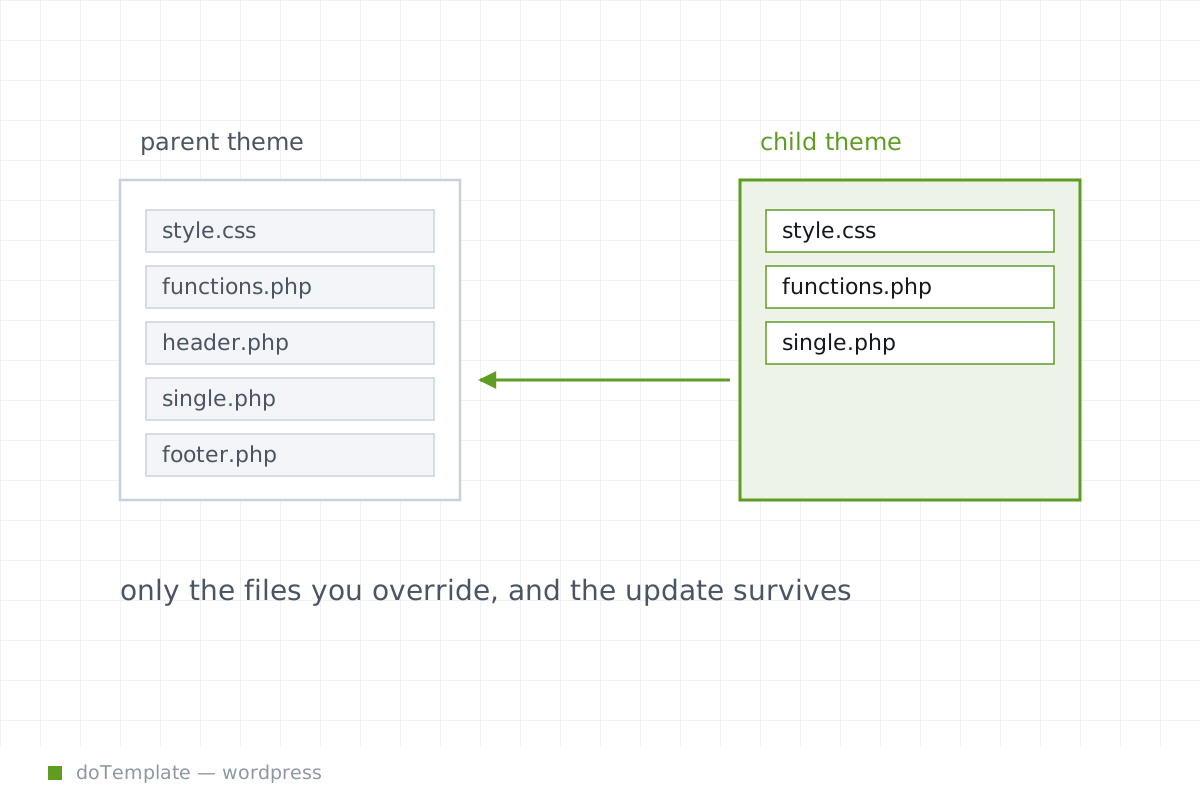
Child Themes: What They Are, Why They Matter, and How to Make Them in 10 Minutes
Your WordPress theme just got an update, but now all the customizations you used to make did not apply. Some of them are gone, some of them have bugs, and some of them have copy-pasting errors. You …
 WordPress
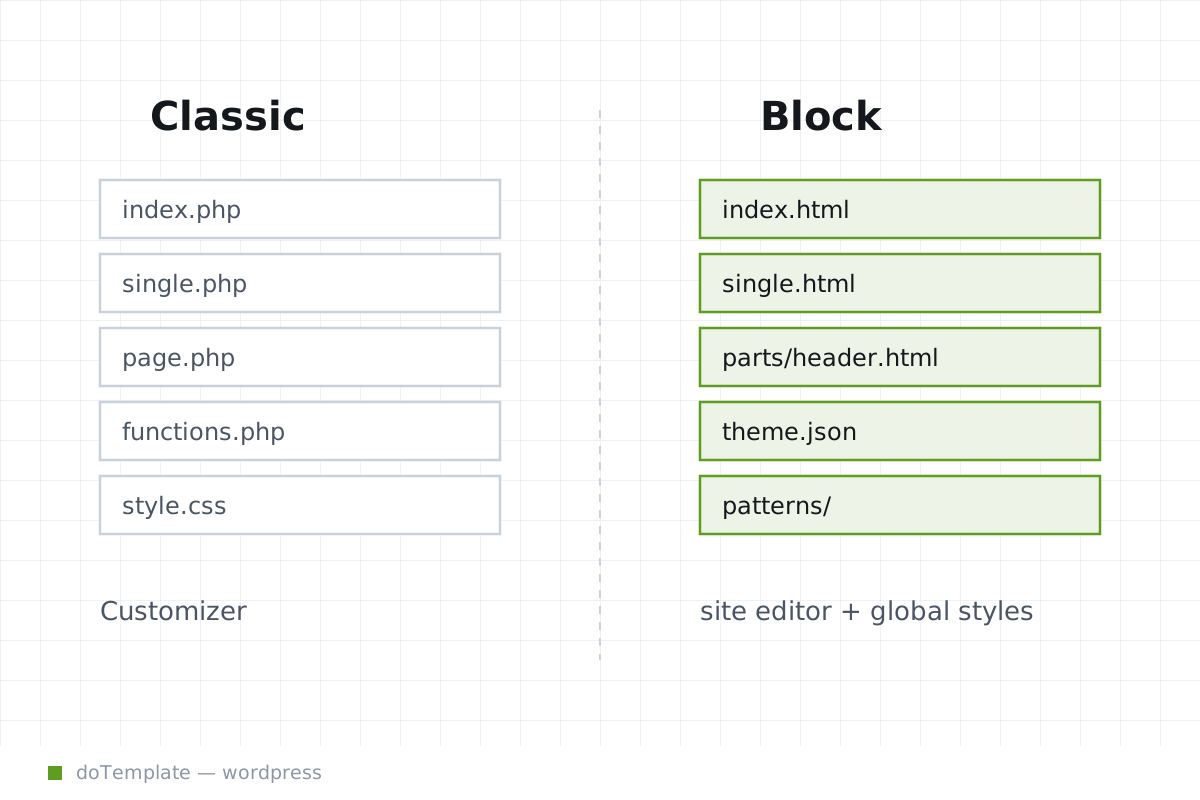
Block Theme vs Classic Theme WordPress: Which Server Architecture You Want
When starting a new WordPress site, the choice between a block theme and a classic theme is more than a question of aesthetics – it is an operational decision that affects how the site will be edited …
 Templates
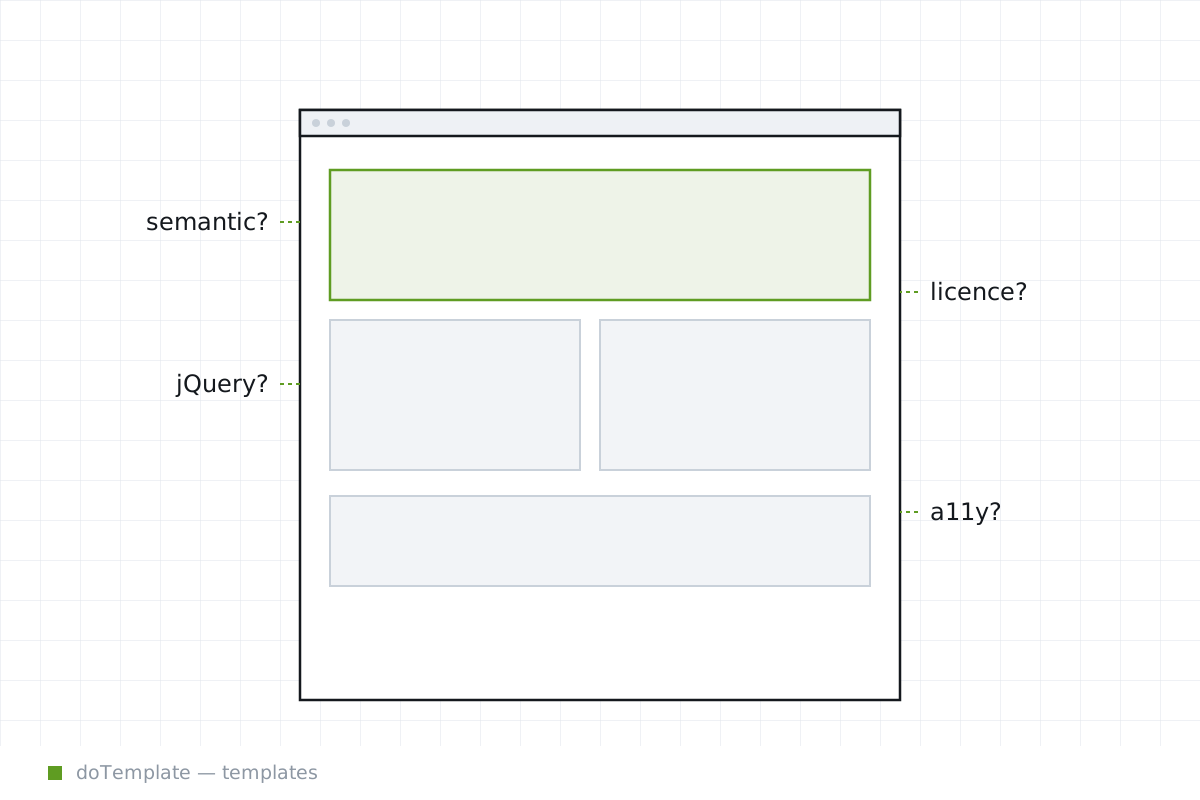
How to Judge a Free HTML Website Template Before You Build on It
Free HTML website templates might seem like an easy starting point for a new site, until you've spent days customizing one only to discover it can't be used commercially, or that its dependencies go …
 Templates
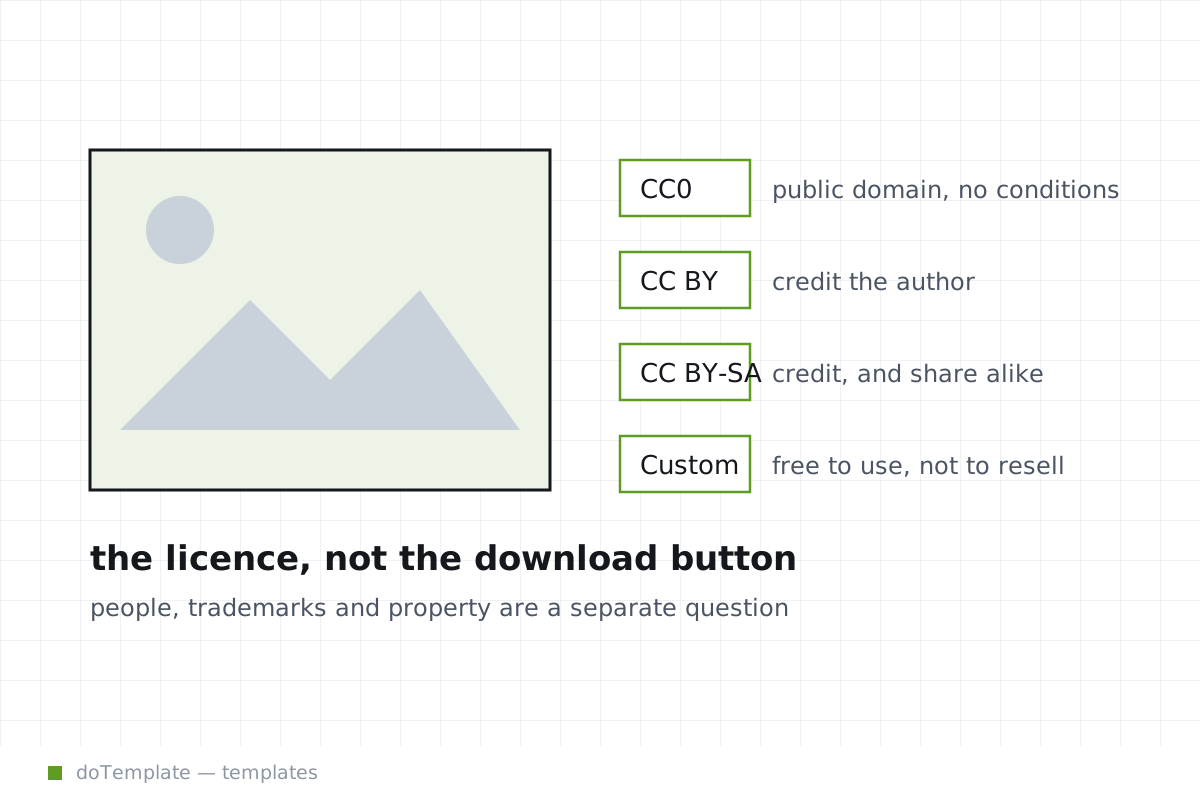
Free Images for Websites License: Public Domain vs Licence Edition
Using an image on a client site without repercussions depends on the licence terms and any residual rights, not just where the "free download" button is.
 Templates
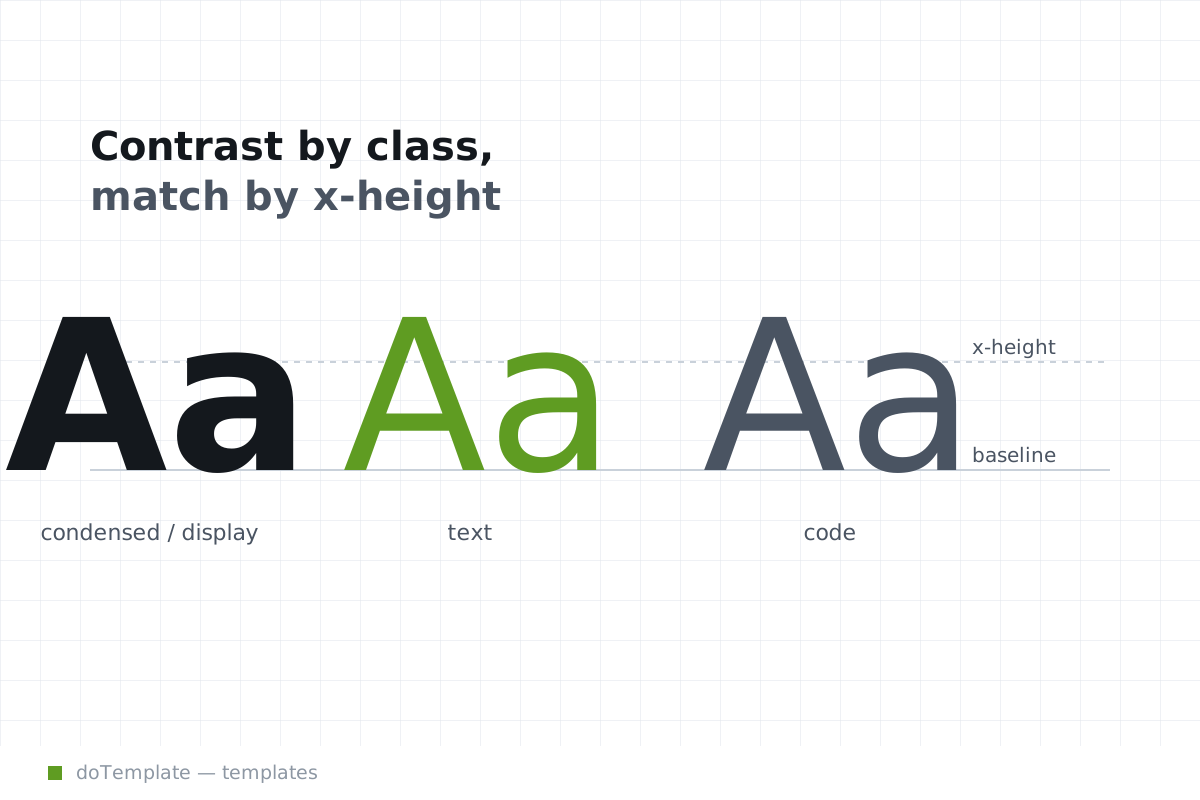
Font Pairing for Web Design: A Method, Not a List
Choosing web fonts is not just about aesthetics. How you load them depicts a site as polished or clumsy. The @font-face, font-display, and variable-font technologies make the difference between …
 Templates
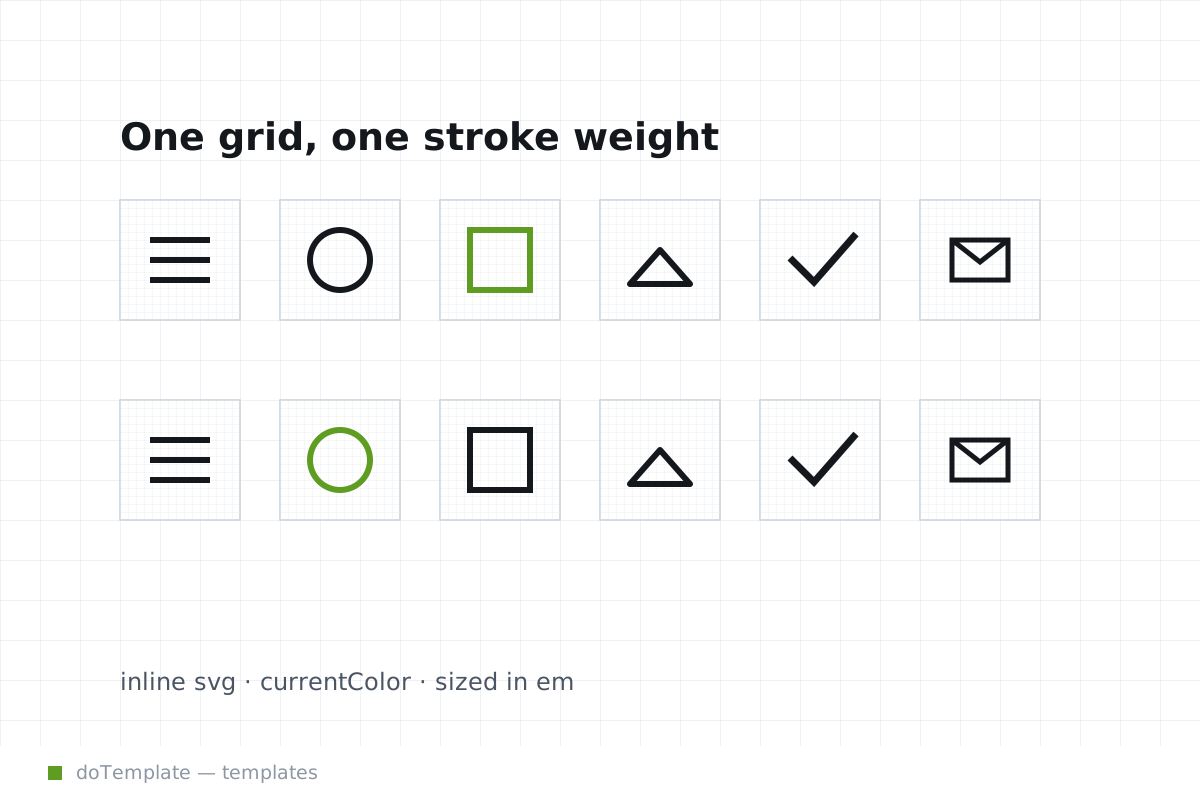
Guidelines for Free Icon Sets for Websites
Deciding on which free icon set to use on your website involves more than just finding free downloads — it's a question of whether you can reuse the set under its license and how to implement it in a …
 Templates
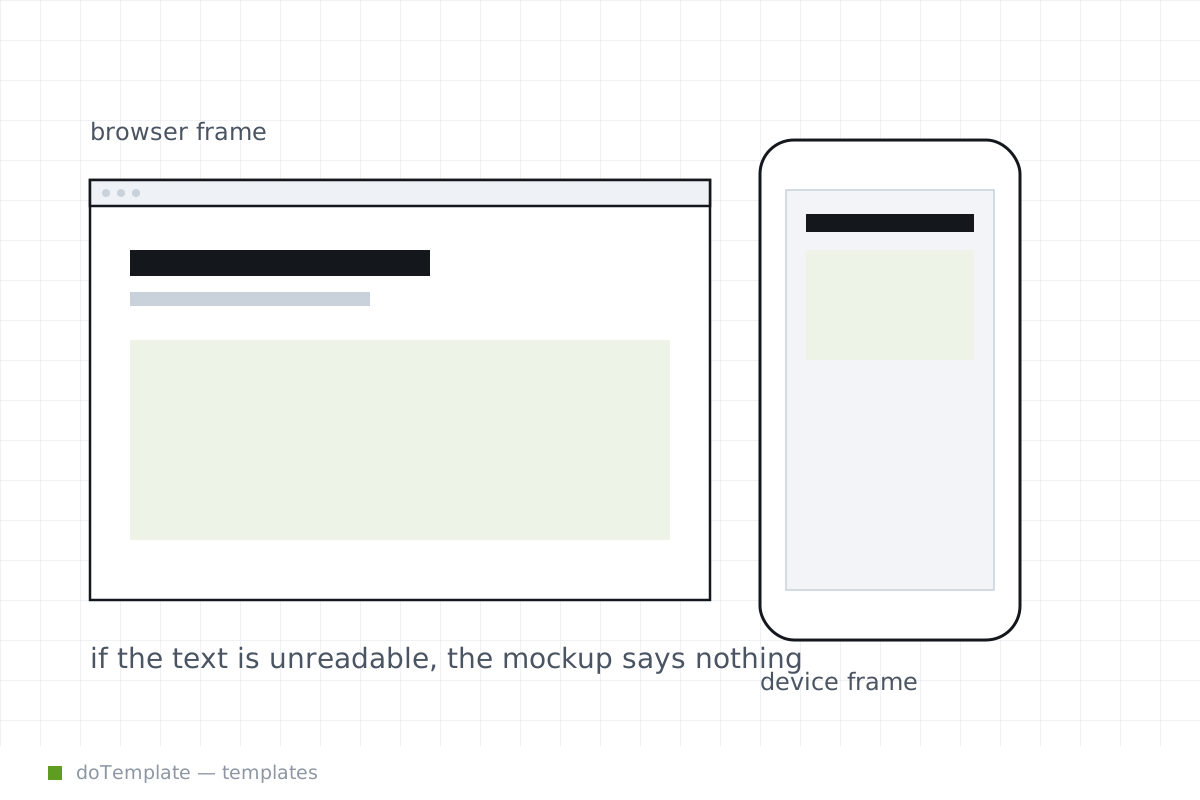
9 Tools for Creating Website Mockup Presentations Without Photoshop
Many web designers need to create presentations for clients, but creating mockups can be challenging, especially without paid design software like Adobe Photoshop or Figma. Fortunately, modern …
 AI & Tools
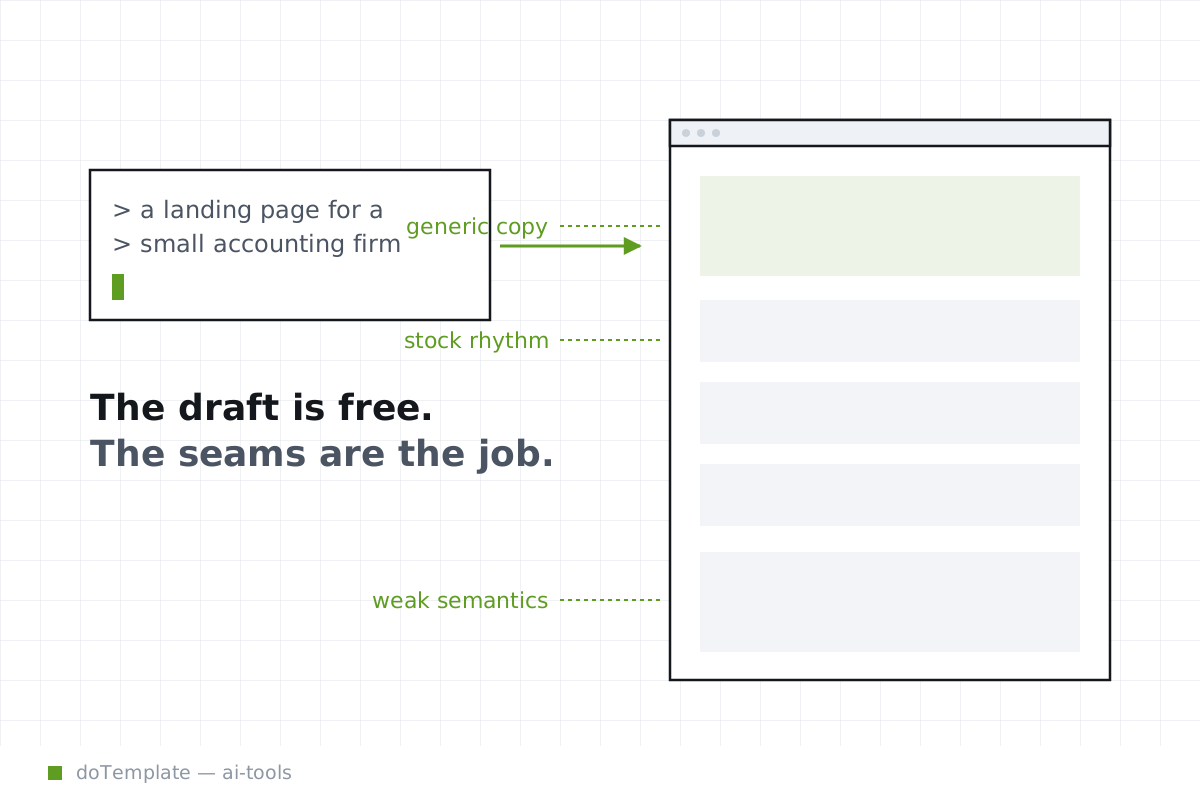
THE ULTIMATE DECISION ON AI WEBSITE BUILDERS
AI website builders offer different levels of handoff between machine and human. Most users default "AI website builder" for all code-based AE tools.
 AI & Tools
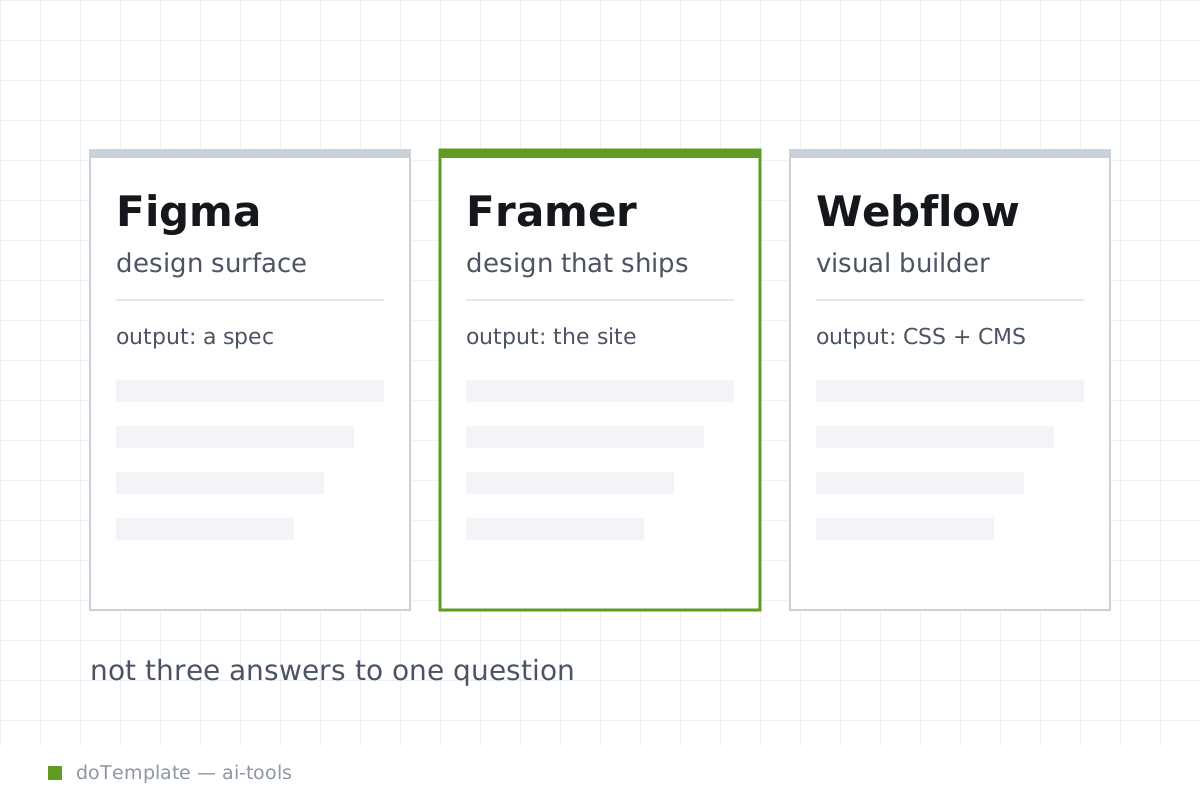
Figma, Framer or Webflow: Which Tool for Your Next Web Project
Before you buy the marketing or jump on the trendiest platform, assess your project's needs, shape, and finish. The three have different workflow strengths and gaps.
 AI & Tools
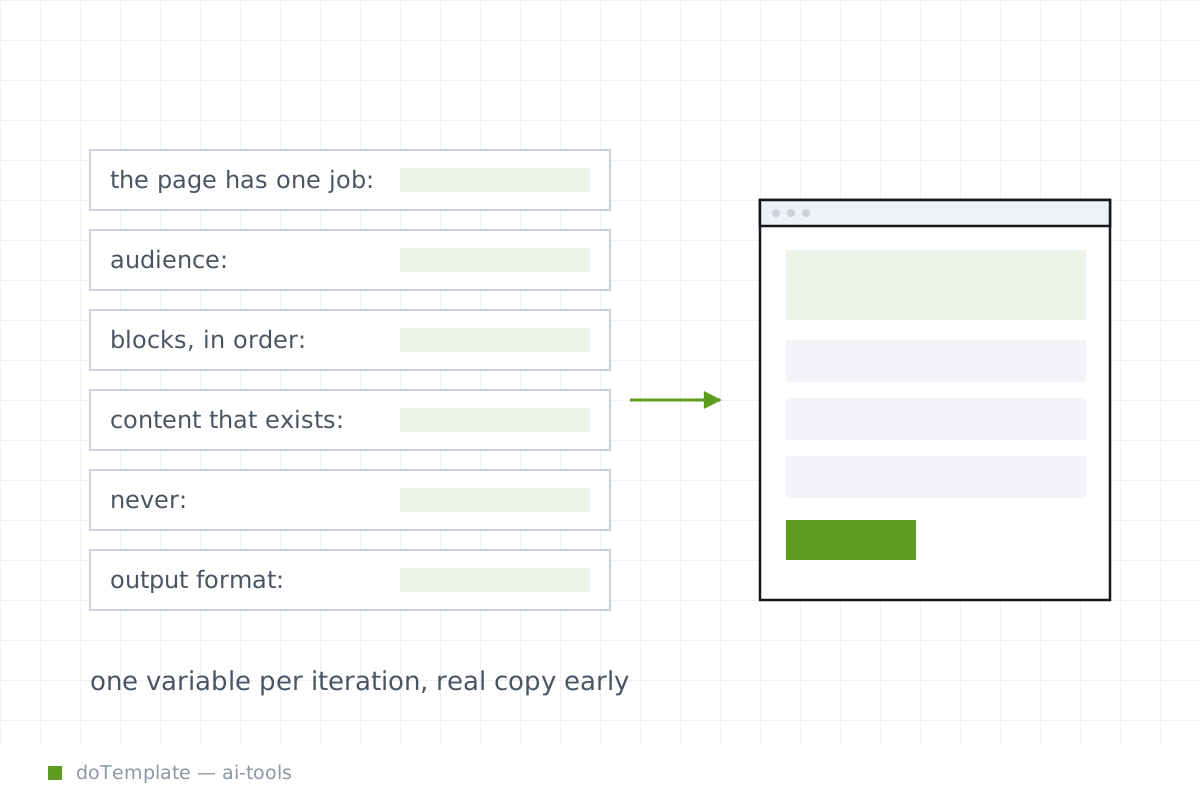
How to Ask an AI Tool for a Usable Web Page Layout
Improve your chances of getting designs you can actually use by giving your AI tool the right kind of brief.
 AI & Tools
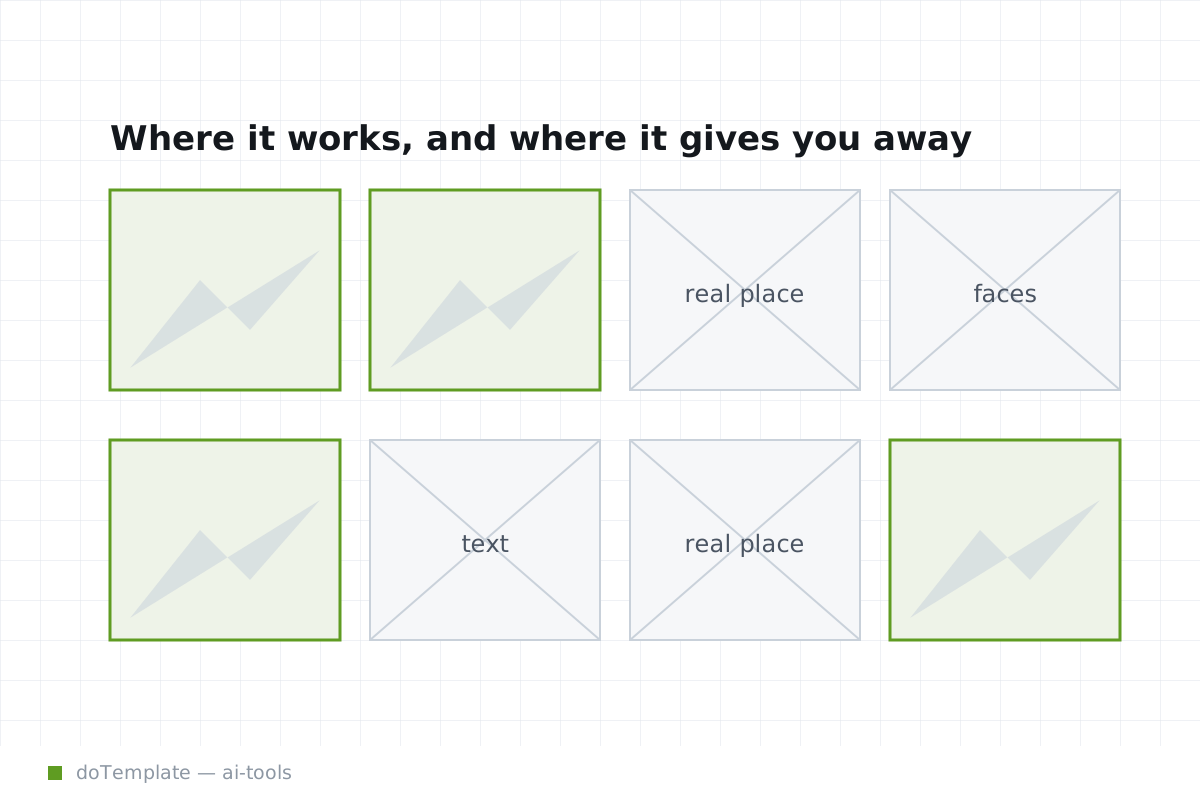
AI-Generated Images for Websites: When They Work and When They Give You Away
AI-generated images are a fast-selling and easy-to-use option. The apps are new, so the ethics and liability rules are still evolving, and non-designers notice that the outputs are useful enough. Use …
 AI & Tools
Keeping Your Web Design Fidelity in the Handoff to HTML
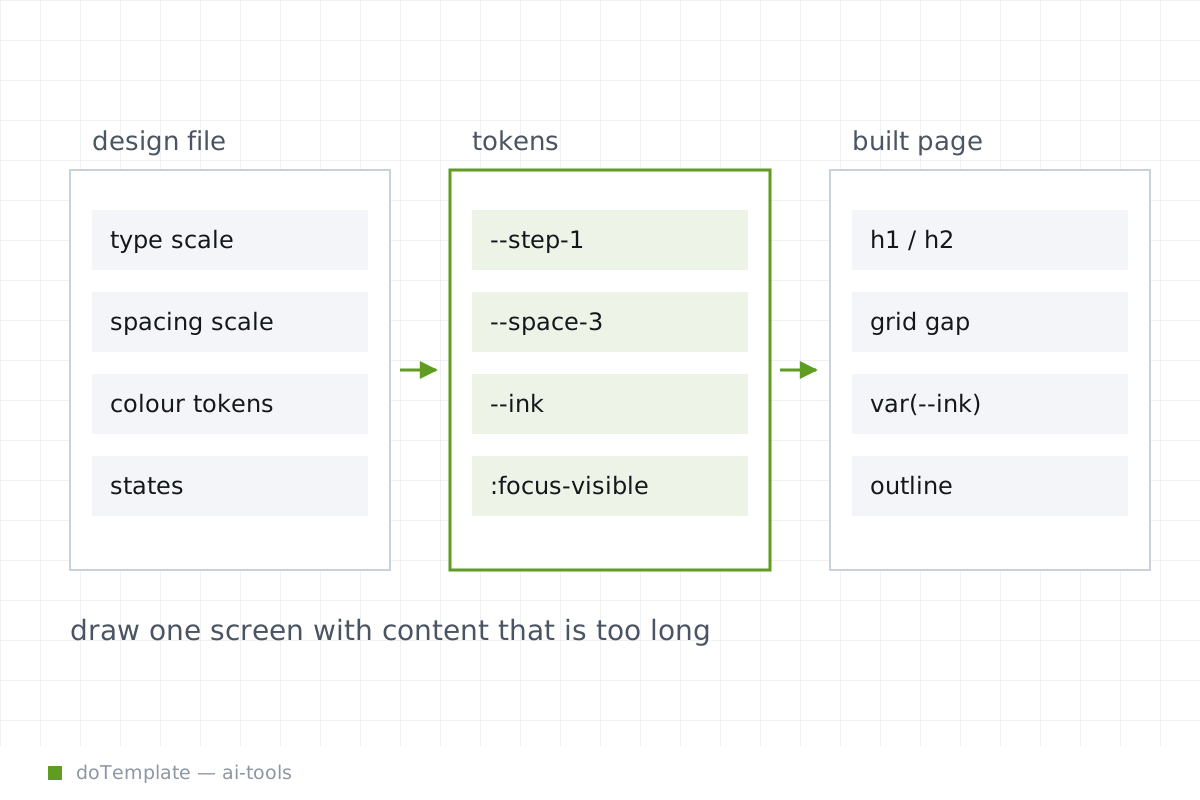
The design-to-HTML handoff can be dicey: Content management, metadata, responsiveness, and asset management drift into the margin. While design tokens become custom properties in CSS, and images must …
 Speed & SEO
Core Web Vitals for Designers: What You Control
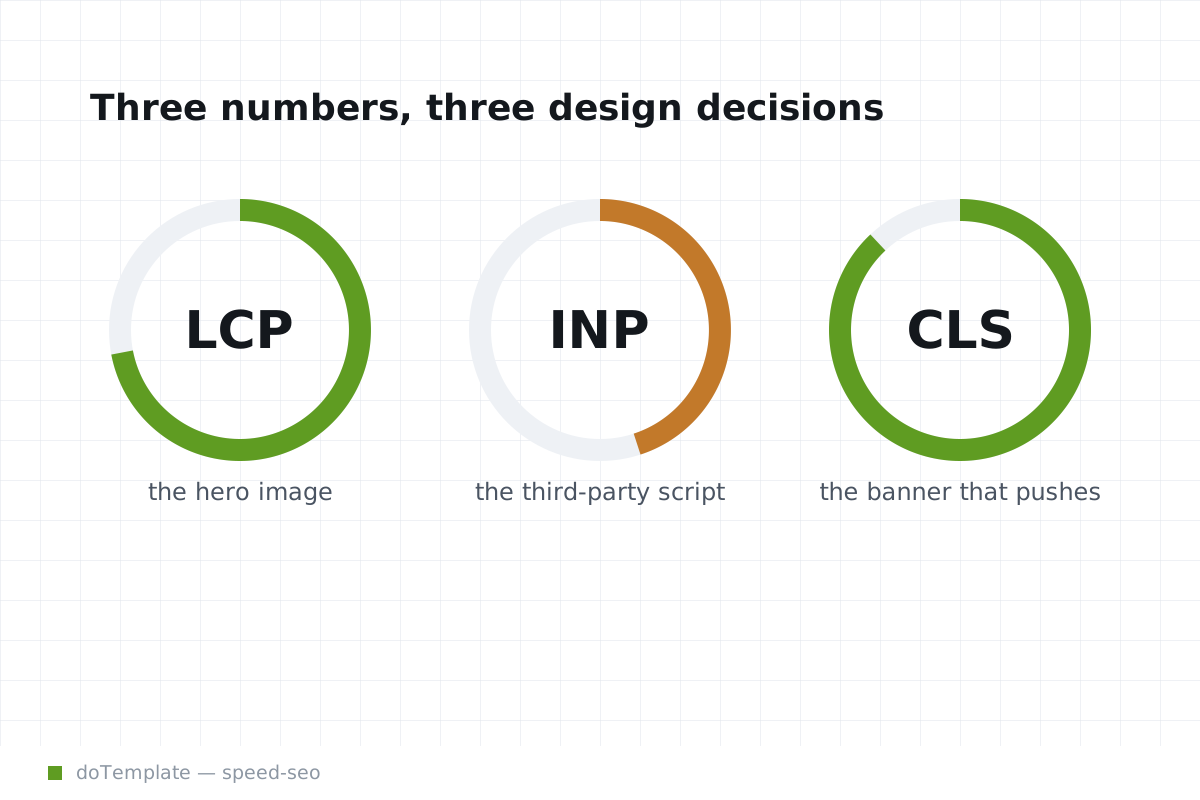
When a Core Web Vitals report flags a problem, designers are often baffled. Why does a page optimized in the lab perform poorly in the field? And how are designers supposed to influence metrics …
 Speed & SEO
How to Make a Website Load Faster: A Checklist of Fixes
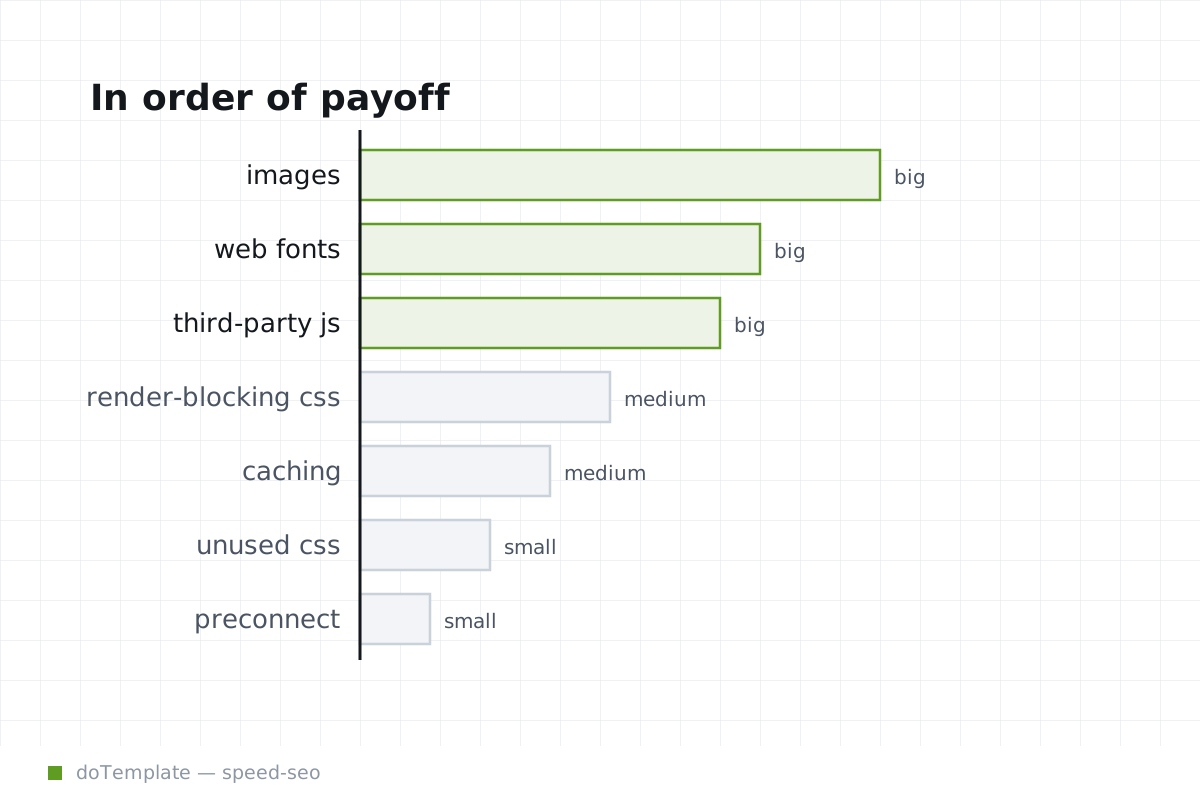
Google's PageSpeed Insights measures the most visible site speed metrics: [First Contentful Paint shows the time it takes for a user to see something they recognise on the page]. CSS files in the …
 Speed & SEO
WebP, AVIF, JPEG, PNG, and SVG: How to Choose an Image Format
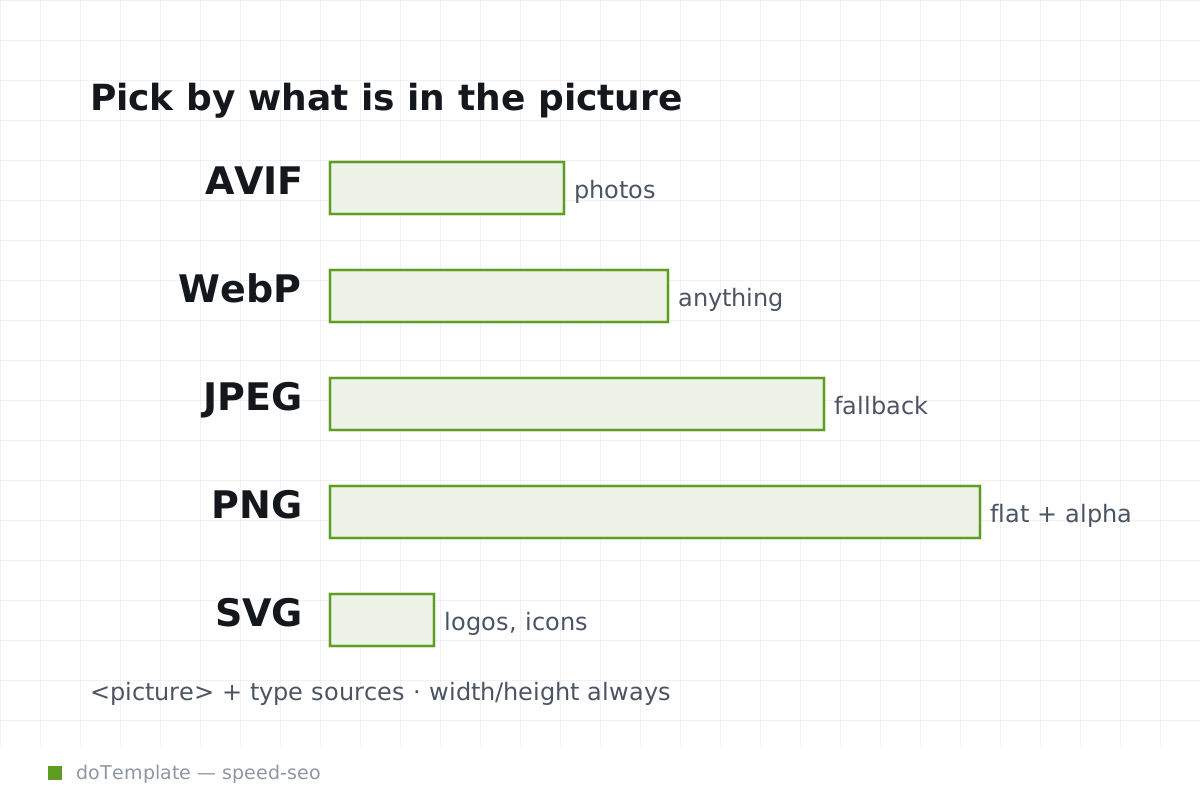
When exporting images for the web, format choice needs to follow image content and delivery method, not a single "best" format. Modern export pipelines should target AVIF, fall back to WebP, then …
 Speed & SEO
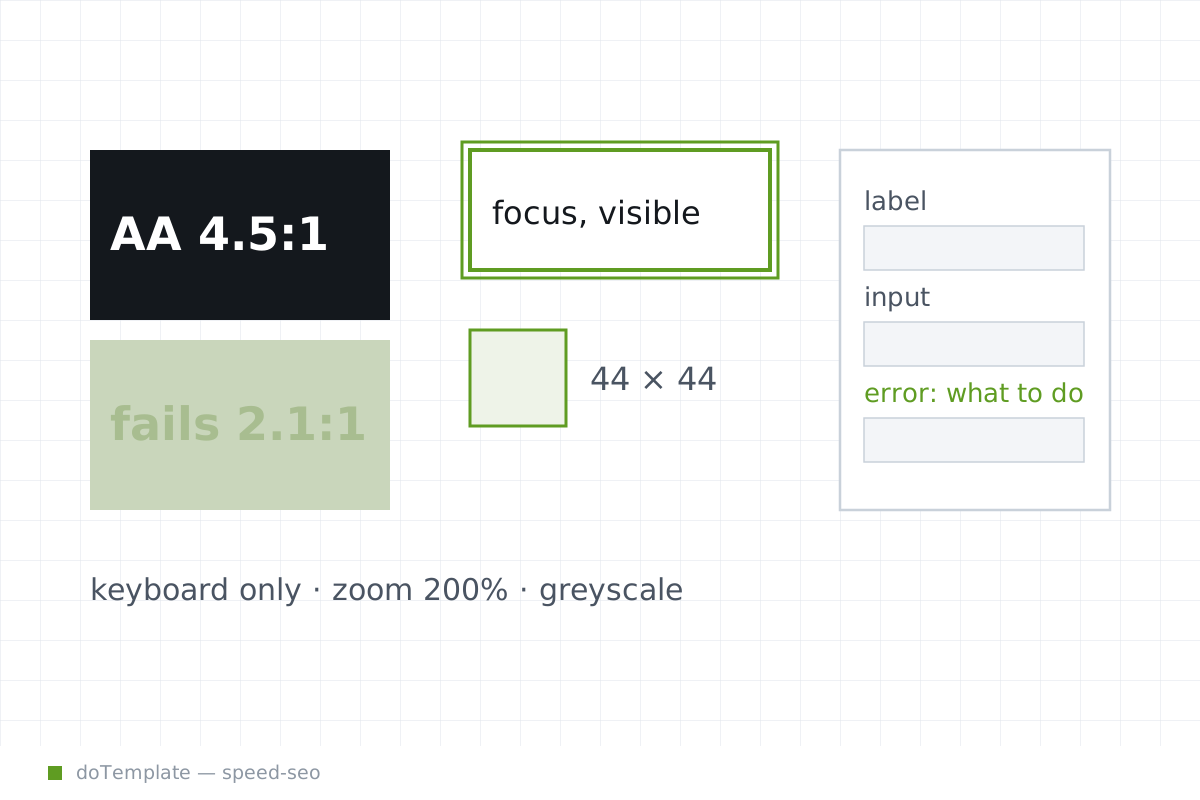
Web Accessibility Basics Every Designer Should Know Before the Build Starts
In web design, many costly accessibility issues are baked in at the start, when designers lock in color contrast, focus indicators and pointer targets. A first time through the build. How does the …
 Speed & SEO
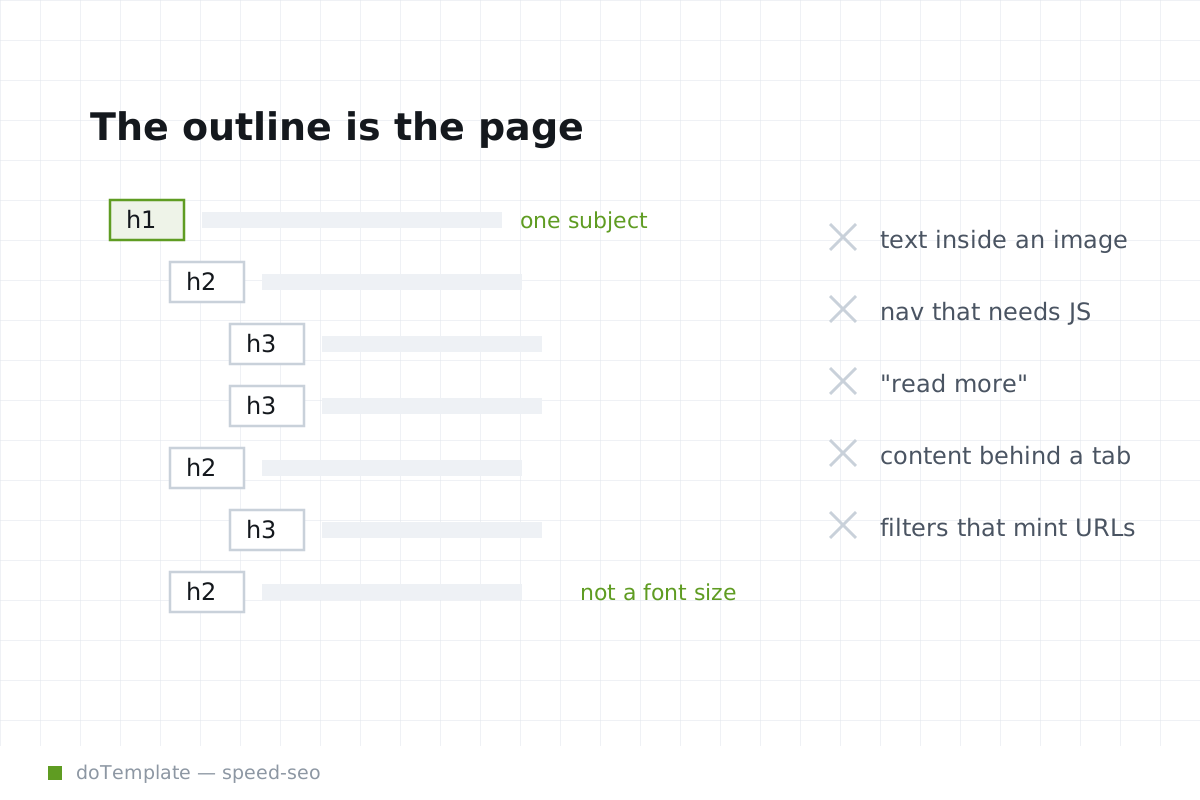
Technical SEO for Web Designers: The Impact of Design Decisions on Search Rankings
Polished visual design can blind a development team to gaps in a page's discoverability. When a page looks complete to a visitor but reveals missing or unlinked content to search, all the visual …